The Production Plan I Used:
This project will take me 14 days to complete. The first three are allocated to brainstorming ideas. What software I should use, what direction to go in with the film. etc.
The next two days involve planning the setup of the video and how to string my ideas together to make them into one, cohesive concept. This includes refining my original brainstorming ideas and beginning to think about what I could make work and what ideas work well together. I will also list what shots I wanted to film.
The next three days would be allocated to filming. I want to film an excessive amount so if something does not look right, I have other options to choose. This is where I really want to focus on the theme and make sure that it is coming together as I had planned. I also will add filters from Snapchat and Tik Tok to make it more appealing.
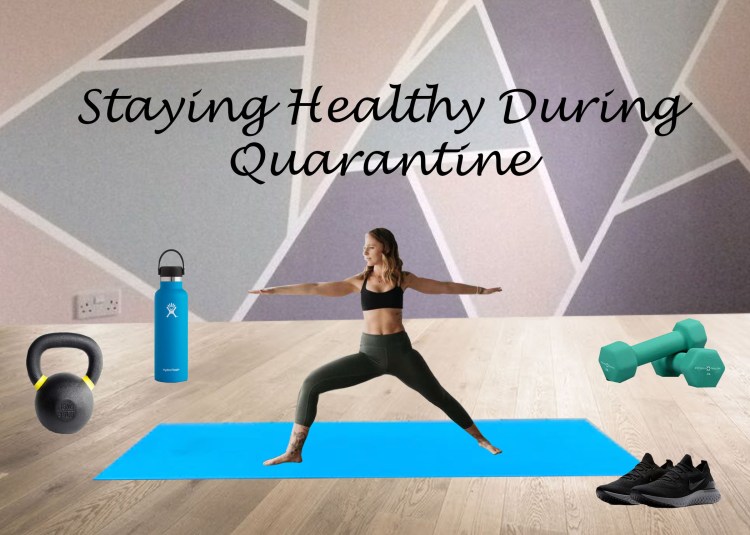
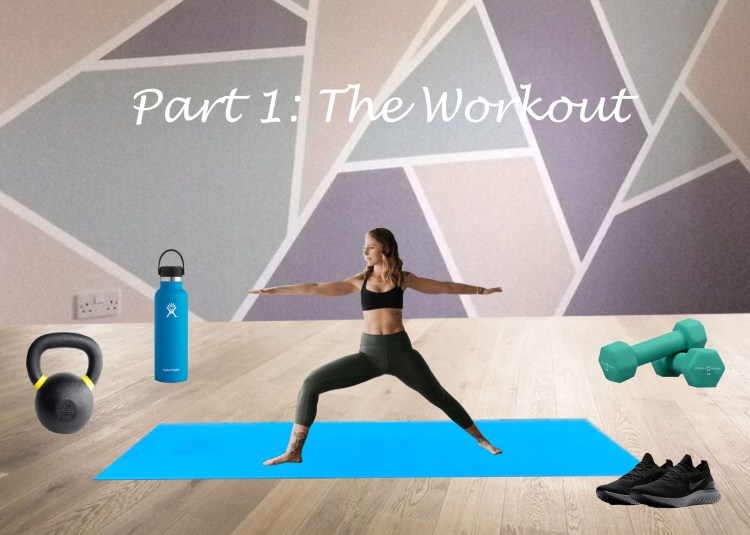
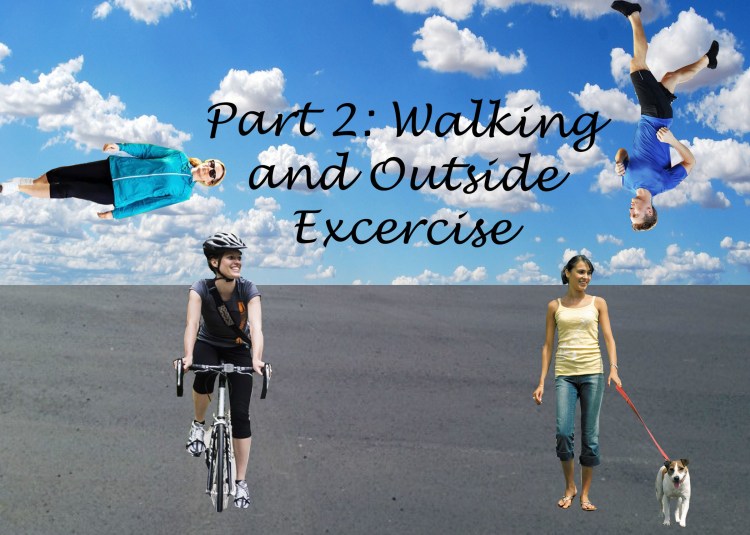
The next day will be spent making the Photoshop Collages. These are to be integrated into the video and I need to make several of them, so it will take some time.
The next two days are for edits. This involves cropping the many videos and uploading them onto Adobe Premiere. Formulating the sequence and adding filters/transitions are important as well because they make the visual unique and appealing.
The next day is for making the Adobe Audition music. This will have to work with the theme as well. I must decide where I want it to start/stop within the video and upload the final sound onto my movie, including a voiceover for the movie.
The last day is for final edits. This includes making sure transitions are good and everything looks ready to go. This is also to check and ensure that everything was uploaded properly and leaves time to fix any possible technical difficulties. Technical issues are bound to happen at one point or another, so it is wise to leave some time to deal with possible issues just in case.
Post-Project Evaluation:
I used this production plan to formulate my movie. I really liked the assignment where we used Adobe Premiere to make a movie and I wanted to do that again. I enjoyed doing the vlog-style videos and I liked the idea of this assignment having some sort of connection to that assignment. However, I wanted it to be a different concept and elevated from the previous one. I wanted to make it about something that I have enjoyed doing since the quarantine, I have found a lot of motivation and positivity through working out and eating healthy. Therefore, I decided to make a video using Adobe Premiere focused on three aspects: working out, getting outside, and making healthy meals. I wanted to use Photoshop collages to identify the start of each new aspect. I also wanted to use Adobe Audition to make the sound. I am a musician and have parents who are musicians, so I really liked the idea of creating my own sound. Therefore, I used a multitrack on Adobe Audition to layer my guitar playing over my father’s guitar playing. He listened to my first recording in an earbud while playing along in an acoustic solo. I layered parts of these solos over my playing and I am really happy with the outcome.
Overall, I stayed on schedule with my production plan for the most part. Some days I got more than planned done and other days I got less than planned done, but I was able to finish within the timeline I allotted myself. For me, the Photoshop came the easiest during this project and I had a lot of fun making the collages. The Premiere was a little tricky, especially because the editing was tedious. The most difficult was the Adobe Audition because I had to layer the pieces so they would line up exactly to what I was playing. If it were even half a second off, it would sound like it was two different songs. It took me a very long time but, in the end, I was able to take the fragments of my father’s playing and layer them over my playing and make it sound fluid. Overall, I really enjoyed this project. It was a nice way to stay positive while learning and I even got my parents to help by playing guitar/filming me. It was definitely the most time I have ever spent on a project for this course and it wasn’t easy, but I am glad it came out the way it did and I think it gave me a lot of practice with the software.
Attached you will find the final video (above), as well as the Photoshop Collages and a Soundcloud of the music. This is all included within the video but I decided to add them separately both here and under the Photo and Audio pages of this blog.

 Christina's Creations